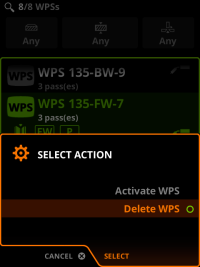
Digital WPS: deleting WPS
You can only delete WPSs in the Advanced mode of Control Pad. To set the Control Pad to Advanced mode, go to Settings view > Panel settings > Basic/Advanced mode.
Proceed as follows:
| 1. | Go to the View menu > WPS. |
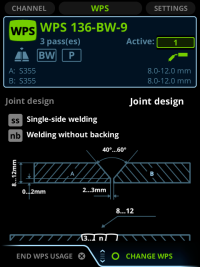
| 2. | Press the green button. |
| 3. | Select a WPS from the list. |
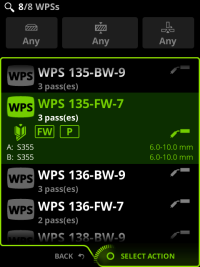
| 4. | Press the green button to open the command menu. |
| 5. | Select Delete WPS and press the green button. |