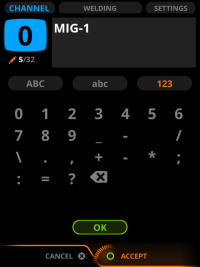
Renaming channel
Proceed as follows:
| 1. | Go to the Channel view. |
| 2. | Press the green button to open Actions. |
| 3. | Select Rename and press the green button. |
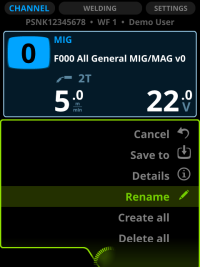
>> Control Pad shows you a keypad.
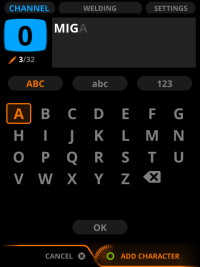
| 4. | Turn the knob to go to the eraser and press Erase character on the right knob to delete the former name. |
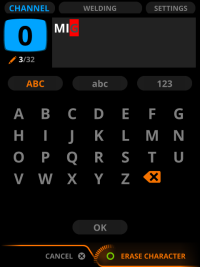
| 5. | Turn the right knob and press the green button on it to select letters. |
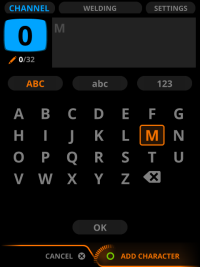
| 6. | Move focus to OK and press the green button to return to the Channel view. |