Warranty registration
Proceed as follows:
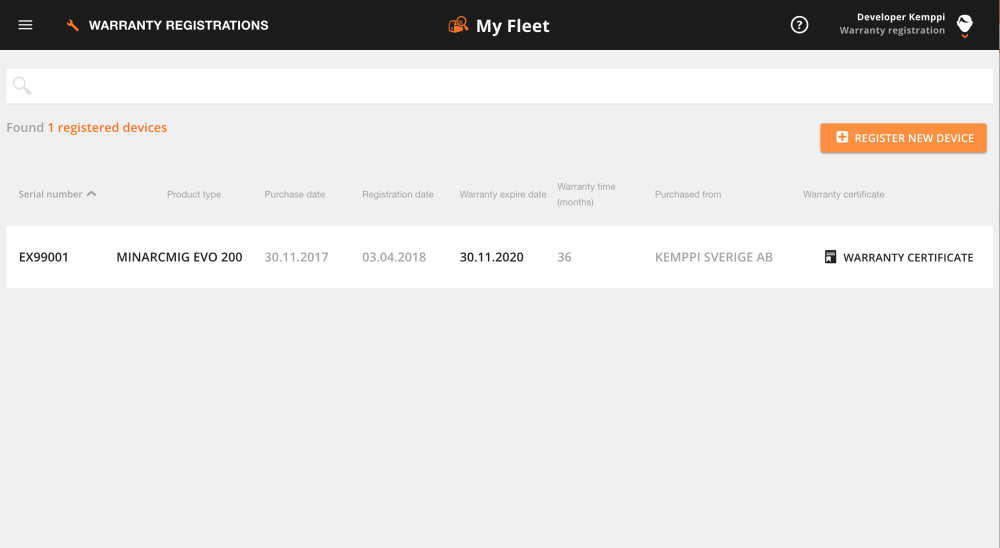
| 1. | Navigate to Warranty Registrations page (menu in the upper left corner). |
| 2. | Click Register New Device in the upper right corner. |
>> A pop-up window opens.
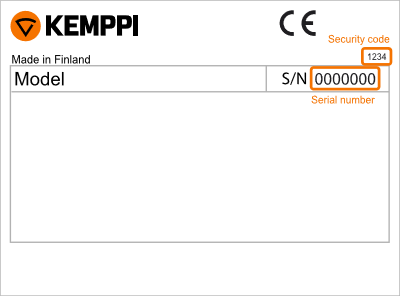
| 3. | Enter the serial number and the security code of the device. You can find them on the rating plate of the device. |
| 4. | Warranty registration is now complete and the device is added to the list with updated warranty information and possibility to download Warranty Certificate. |