Installing remote control (optional)
Remote controls are optional. To enable remote operation, connect the remote control device to the Master M welding equipment.
Remote control HR43/HR40
| 1. | Connect the remote control cable to the power source's control cable connector. |
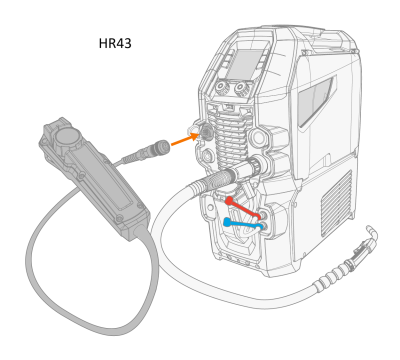
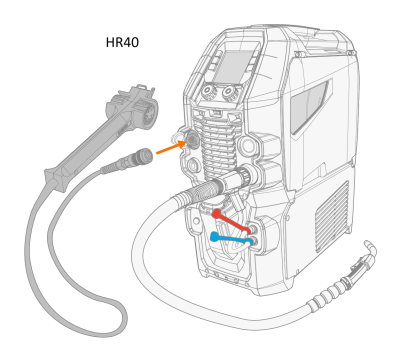
| 2. | To adjust the remote control parameters, refer to the control panel settings (Control panel: System settings). |
The remote control mode can be set and adjusted in the control panel settings.
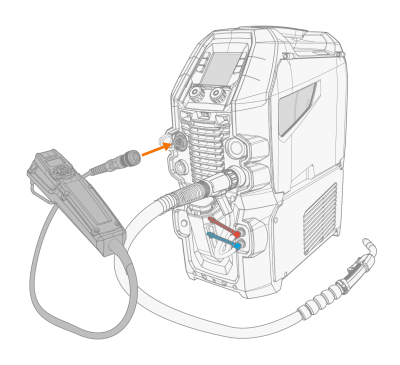
Remote control HR55
| 1. | Connect the remote control cable to the power source's control cable connector. |

|
The remote control selections in the control panel settings are not required with HR55 remote control. When connected, the HR55 remote control is automatically in use. |
