Logbook
Logbook collects information about system operation and welding into one view for monitoring and troubleshooting. You can use filters (1) to show/hide content. The number of events for the day is shown on the right (2). The view is updated automatically to show the latest logged events. Selecting an event displays additional information if available. Reset clears the Logbook and Weld history.
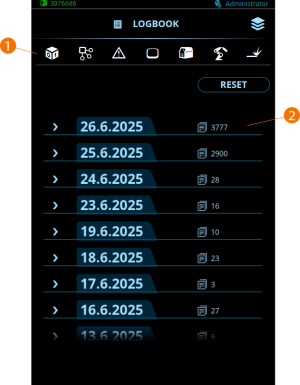
Filter icons from left to right:
|
•
|
Firmware, licenses and welding programs |
|
•
|
Power source / backup power source |
